

Free tool
鬼谷八荒 Tale of Immortal Workshop Downloader
Paste a 鬼谷八荒 Tale of Immortal Steam Workshop link to see the files inside the item and download them as single files or a ZIP, with no Steam client needed.
1. Paste the link
Copy the Workshop item's link from Steam and paste it above.
2. See the files
We'll show the item's preview and everything inside it.
3. Download
Grab single files, or pick several and save them as a ZIP.
Recently downloaded 鬼谷八荒 Tale of Immortal workshop items
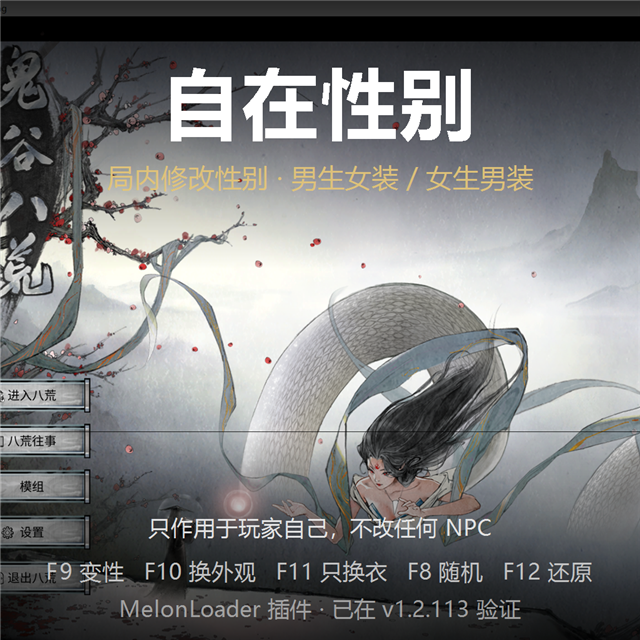
自在性别
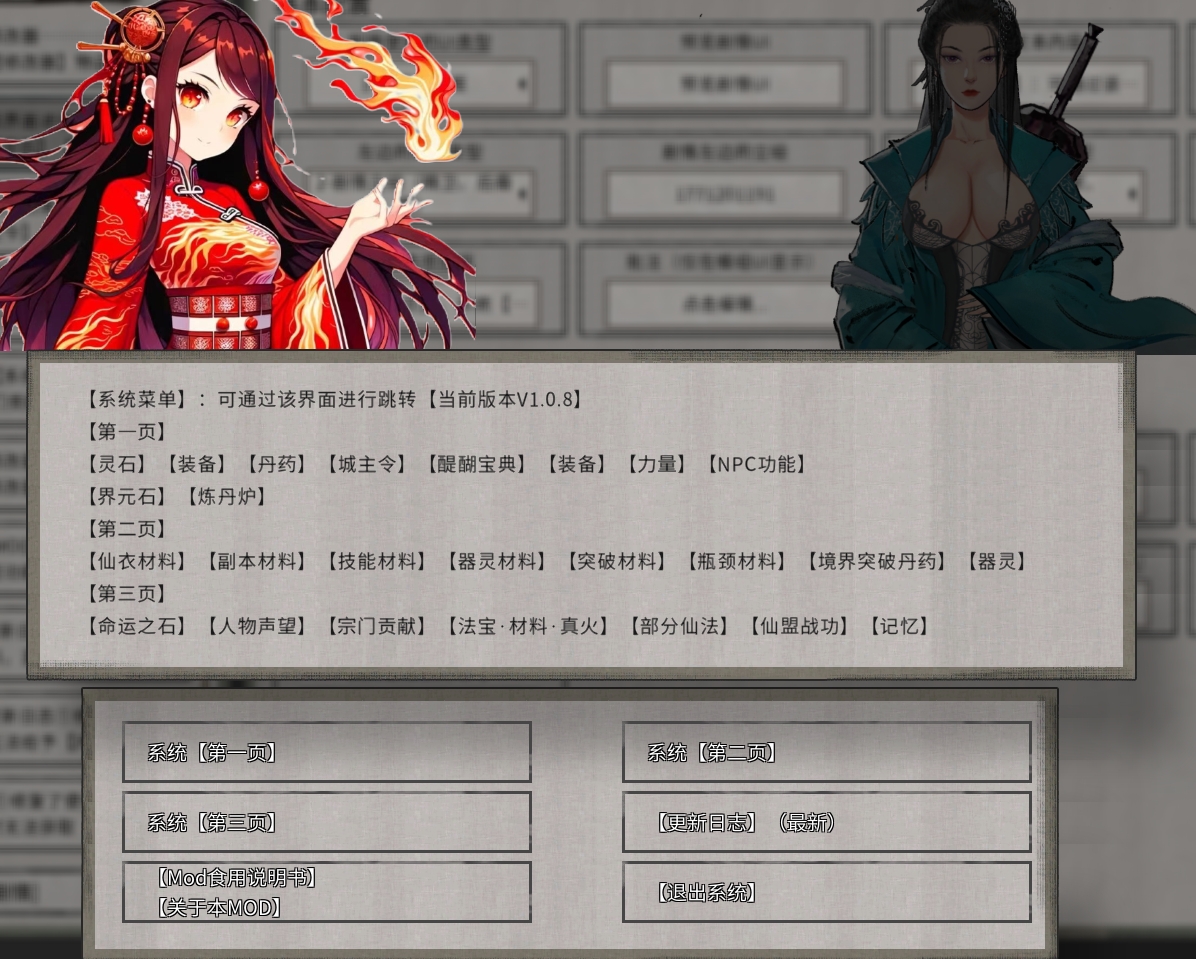
2.59 MB【简易自用版】鬼谷八荒内置修改器
7.91 MB更多 NPC V.1.1
614 MB<color=#00BFFF><size=20>【姜宁霞】<color=red><size=20>七夕立绘第二批(东方制作)
69.8 MB<color=#00BFFF><size=20>【姜宁霞】<color=red><size=20>七夕立绘第二批(东方制作)
61.0 MB<color=#00BFFF><size=20>【姜宁霞】<color=red><size=20>七夕立绘第一批(东方制作)
56.5 MB<color=#00BFFF><size=20>【姜宁霞】<color=red><size=20>Musi定制三姐妹立绘
64.8 MB<color=purple><size=20>【MUSI】六名原创古风性感角色(M框架立绘)
106 MB<color=red><size=18>【MUSIx哈基康】</color><color=blue>作者合作免费立绘 </size></color>
223 MB<color=red><size=16>【MUSIx东方潼童】</color><color=blue>作者合作免费立绘 </size></color>
184 MB<color=red><size=18>【MUSIx33】</color><color=blue>作者合作免费立绘 </size></color>
154 MB<color=#CC0099>凤</color>-<color=#0066FF>鬼谷画风版</color>
31.9 MB<color=red><size=18>【MUSIx句号】</color><color=blue>作者合作免费立绘 </size></color>
167 MB狐人总冠军
9.08 MB<color=#006400><b>卡西提娅</color><color=#0066FF>-鬼谷画风版</color>
35.9 MB【秃秃原版画风】古墨惊鸿系列1(6*女立绘+NPC+战斗小人)
2.64 MB<color=#CC0099>瑶儿</color>-<color=#0066FF>鬼谷画风版</color>
32.7 MB<color=#be002f><size=22>「明烛典」</color>·<color=#2E5A88>「苏家五母女」-「工坊版」</size></color>
2.36 MB<color=#be002f><size=22>「明烛典」</color>·<color=#2E5A88>「姜洛泱x姜筱棠」</size></color>
2.38 MB<color=#00BFFF><size=20>【姜宁霞】<color=red><size=20>雷电芽衣*白龙
38.8 MB<color=red><size=20>【大总统】鸣潮---长离</size></color>
5.82 MB<color=#00BFFF><size=20>【姜宁霞】<color=red><size=20>双生并蒂花
36.0 MB<size=28><color=#FF0000>【哈基康御-好感度与堕落值变化立绘】</color>
13.9 MB<color=#00BFFF><size=20>[M框架][东方潼童]<color=red><size=20>祀·丹青渡
51.7 MB






















How to download Steam Workshop items
1. Copy the Workshop link
Open the item on the Steam Workshop and copy the address from your browser. It looks like steamcommunity.com/sharedfiles/filedetails/?id=3834627450.
2. Paste it and look up the item
Paste the link into the box at the top of this page, finish the quick verification and press Look up.
3. Download the files
Download any file on its own, or tick several and save them together as one ZIP.
A free Workshop downloader for Steam mods and content
Subscribing in the Steam client is not always an option. This tool lets you inspect a Workshop item and save its files straight from the browser.
File list before you download
See every file in the item with its size, filter by name and save only what you need.
Single files or one ZIP
Download a file directly, or select several and get them in a single ZIP archive.
Works in your browser
Nothing to install. Paste a link on any device and download the files.
Workshop downloader FAQ
- What is the Steam Workshop downloader?
- It is a free tool that takes a Steam Workshop item link and shows the files inside that item, so you can save them to your computer without going through the Steam client.
- How do I download a Steam Workshop item without Steam?
- Copy the item's link from the Workshop, paste it into the downloader, press Look up, and download the files you want one by one or as a ZIP.
- Which Steam Workshop links work?
- Any steamcommunity.com sharedfiles/filedetails link that contains the item's id, including Workshop collections. The game the item belongs to must already be on ManifestDeX. If it is not, you can request it from your dashboard.
- Is there a size limit for Workshop downloads?
- A single file or ZIP can be up to 100 MB without an account, 250 MB with a free account and 1 GB with Pro. Daily downloads are capped at 1 GB without an account, 3 GB with a free account and 20 GB with Pro, and reset at midnight UTC. Downloads run at up to 1 MB/s without an account and 5 MB/s with a free account; Pro downloads are not slowed down.
- Can I download a Steam Workshop collection?
- Yes. Paste the collection's link to see every item in it. Downloading the items needs a free ManifestDeX account, and each item is saved as its own ZIP, one after another.
- Why does the downloader ask for a verification?
- A short Cloudflare Turnstile check on lookups and downloads keeps automated traffic out so the tool stays fast and free for everyone. Items that were looked up before can be opened from their own page without it, and collection downloads use your signed-in account instead.
- Where do I put the downloaded Workshop files?
- That depends on the game. Most games read mods from their own mods or Workshop folder. Check the item's description or the game's modding guide for the exact location.
Want more than Workshop files?
ManifestDeX gives you free access to Steam game manifests and depot keys. Create an account to get free weekly credits and use the desktop app.