

Free tool
Escape from Duckov Workshop Downloader
Paste a Escape from Duckov Steam Workshop link to see the files inside the item and download them as single files or a ZIP, with no Steam client needed.
1. Paste the link
Copy the Workshop item's link from Steam and paste it above.
2. See the files
We'll show the item's preview and everything inside it.
3. Download
Grab single files, or pick several and save them as a ZIP.
Recently downloaded Escape from Duckov workshop items
Stackable Items v1.3.1 — F9 Settings Panel 可堆叠物品 v1.3.1 — 按 F9 打开设置面板
518 KBMod Settings
177 KBEscapeFromDuckovCoopMod v1.4.8.1 official release
10.1 MBLiteNetLib联机依赖
1.23 MBHarmonyLib
2.53 MB控制台Mod
102 KBInventory Stutter Fix · Aggressive Edition
3.39 MB显示任务需求道具 - Show quest item requirements
2.41 MB덕르코프 모드 한국어 번역 통합팩 (Duckov Mods - Korean Translation Pack)
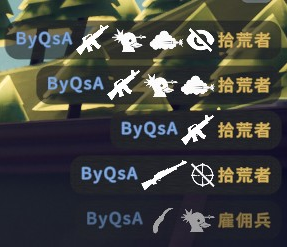
5.77 MBCS Like Kill Feed
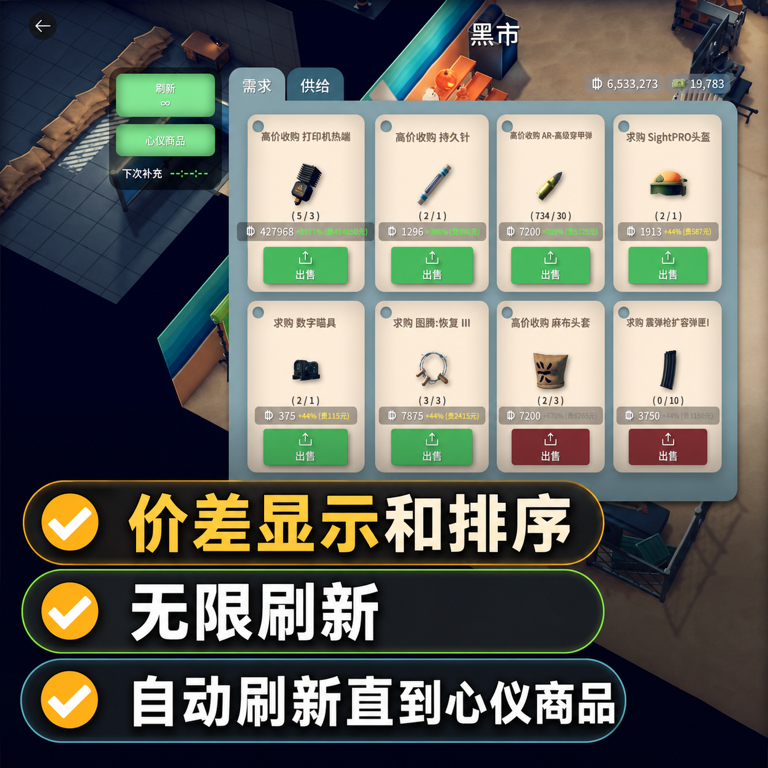
3.01 MB黑市良心鸭
3.20 MBLootbox Highlighter - 高亮容器
2.17 MBShowDisassemblyInfo
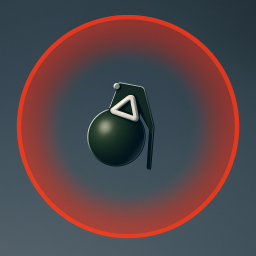
129 KB显示手雷爆炸范围
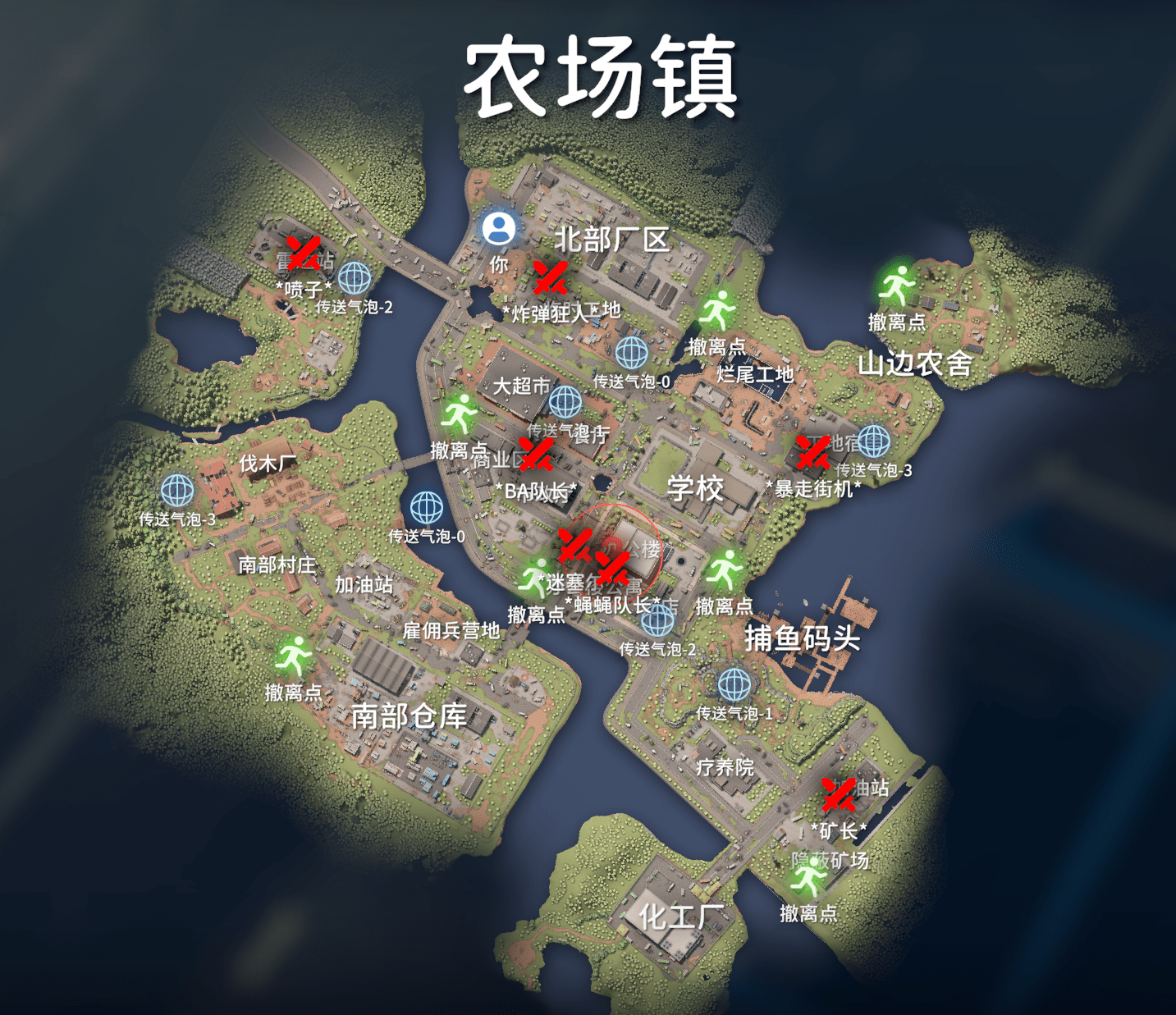
2.20 MBBoss实时地图标记 Live Boss Map Markers
902 KBBetter Key&Blueprint Indicator - 更好的钥匙&蓝图标识
2.37 MBShowQuestsAreaOnMap-任务显示mod
2.47 MBItem Value Rarity Display & Search Sounds
2.43 MB钓鱼自动成功
2.72 MBInstant Building Upgrade
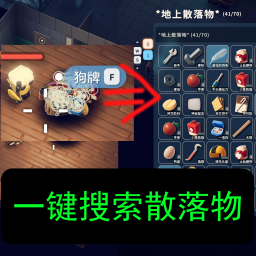
2.40 MB一键搜索散落物
149 KB移除搜寻时间
37.0 KBDisplay Cash With Money
2.40 MB[蔚蓝档案]小鸟游星野模型替换
2.64 MB












How to download Steam Workshop items
1. Copy the Workshop link
Open the item on the Steam Workshop and copy the address from your browser. It looks like steamcommunity.com/sharedfiles/filedetails/?id=3834627450.
2. Paste it and look up the item
Paste the link into the box at the top of this page, finish the quick verification and press Look up.
3. Download the files
Download any file on its own, or tick several and save them together as one ZIP.
A free Workshop downloader for Steam mods and content
Subscribing in the Steam client is not always an option. This tool lets you inspect a Workshop item and save its files straight from the browser.
File list before you download
See every file in the item with its size, filter by name and save only what you need.
Single files or one ZIP
Download a file directly, or select several and get them in a single ZIP archive.
Works in your browser
Nothing to install. Paste a link on any device and download the files.
Workshop downloader FAQ
- What is the Steam Workshop downloader?
- It is a free tool that takes a Steam Workshop item link and shows the files inside that item, so you can save them to your computer without going through the Steam client.
- How do I download a Steam Workshop item without Steam?
- Copy the item's link from the Workshop, paste it into the downloader, press Look up, and download the files you want one by one or as a ZIP.
- Which Steam Workshop links work?
- Any steamcommunity.com sharedfiles/filedetails link that contains the item's id, including Workshop collections. The game the item belongs to must already be on ManifestDeX. If it is not, you can request it from your dashboard.
- Is there a size limit for Workshop downloads?
- A single file or ZIP can be up to 100 MB without an account, 250 MB with a free account and 1 GB with Pro. Daily downloads are capped at 1 GB without an account, 3 GB with a free account and 20 GB with Pro, and reset at midnight UTC. Downloads run at up to 1 MB/s without an account and 5 MB/s with a free account; Pro downloads are not slowed down.
- Can I download a Steam Workshop collection?
- Yes. Paste the collection's link to see every item in it. Downloading the items needs a free ManifestDeX account, and each item is saved as its own ZIP, one after another.
- Why does the downloader ask for a verification?
- A short Cloudflare Turnstile check on lookups and downloads keeps automated traffic out so the tool stays fast and free for everyone. Items that were looked up before can be opened from their own page without it, and collection downloads use your signed-in account instead.
- Where do I put the downloaded Workshop files?
- That depends on the game. Most games read mods from their own mods or Workshop folder. Check the item's description or the game's modding guide for the exact location.
Want more than Workshop files?
ManifestDeX gives you free access to Steam game manifests and depot keys. Create an account to get free weekly credits and use the desktop app.