
Free tool
Digital Storage
Download Digital Storage (78 files, 1.75 MB) from the Steam Workshop as single files or a ZIP, with no Steam client needed.
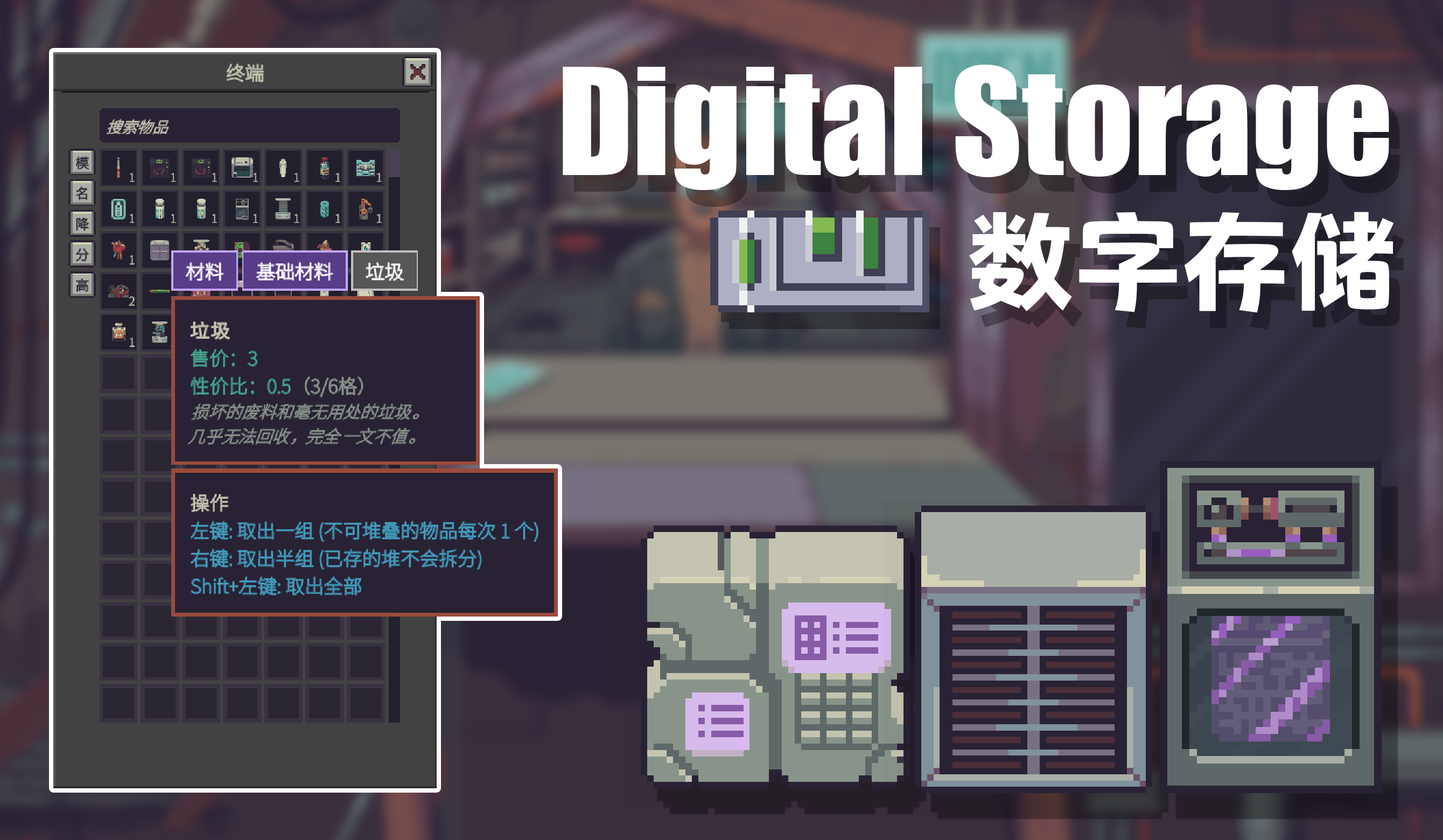
Digital Storage
Files (78)
Licenses
0 B
Licenses/PininSharp-LICENSE.txt
2.46 KB
Licenses/pinyin-data-LICENSE.txt
1.05 KB
Licenses/Rime-Terra-Pinyin-LICENSE.txt
41.9 KB
Localization
0 B
Localization/en.csv
32.0 KB
Localization/zh.csv
30.7 KB
manifest.xml
893 B
ProbablyStolen.DigitalStorage.Api.Core.dll
74.5 KB
ProbablyStolen.DigitalStorage.Api.dll
18.0 KB
ProbablyStolen.DigitalStorage.Client.dll
235 KB
ProbablyStolen.DigitalStorage.Common.dll
193 KB
ProbablyStolen.DigitalStorage.Compat.dll
29.0 KB
ProbablyStolen.DigitalStorage.Mod.dll
18.5 KB
ProbablyStolen.DigitalStorage.Platform.dll
785 KB
Search
0 B
Search/pinyin-dictionary.txt
295 KB
Textures
0 B
Textures/annotation_square.png
110 B
Textures/button_add.png
156 B
Textures/button_add_global.png
203 B
Textures/button_blacklist.png
211 B
Textures/button_clear.png
187 B
Textures/button_delete.png
174 B
Textures/button_delete_global.png
219 B
Textures/button_edit.png
191 B
Textures/button_extract_counter.png
157 B
Textures/button_extract_warehouse.png
157 B
Textures/button_io_cancel.png
106 B
Textures/button_io_finish_done.png
163 B
Textures/button_io_finish_empty.png
144 B
Textures/button_io_finish_full.png
155 B
Textures/button_io_pause.png
110 B
Textures/button_io_start.png
136 B
Textures/button_keep_open_off.png
179 B
Textures/button_keep_open_on.png
198 B
Textures/button_modules.png
196 B
Textures/button_placeholder.png
165 B
Textures/button_priority.png
183 B
Textures/button_sample_attributes.png
158 B
Textures/button_size_full.png
176 B
Textures/button_size_medium.png
152 B
Textures/button_size_small.png
150 B
Textures/button_size_tall.png
156 B
Textures/button_sort_amount.png
190 B
Textures/button_sort_ascending.png
164 B
Textures/button_sort_descending.png
162 B
Textures/button_sort_name.png
174 B
Textures/button_stack.png
176 B
Textures/button_to_left.png
163 B
Textures/button_to_right.png
158 B
Textures/button_whitelist.png
189 B
Textures/client_demand_border.png
100 B
Textures/Items
0 B
Textures/Items/cell_component_16k.png
494 B
Textures/Items/cell_component_1k.png
500 B
Textures/Items/cell_component_256k.png
494 B
Textures/Items/cell_component_4k.png
479 B
Textures/Items/cell_component_64k.png
494 B
Textures/Items/controller.png
1.11 KB
Textures/Items/digital_scientist.png
19.5 KB
Textures/Items/drive.png
475 B
Textures/Items/io_port.png
933 B
Textures/Items/item_cell_housing.png
357 B
Textures/Items/item_storage_cell_16k.png
393 B
Textures/Items/item_storage_cell_1k.png
384 B
Textures/Items/item_storage_cell_256k.png
392 B
Textures/Items/item_storage_cell_4k.png
394 B
Textures/Items/item_storage_cell_64k.png
393 B
Textures/Items/module_equal_distribution.png
562 B
Textures/Items/module_type_expansion_common.png
623 B
Textures/Items/module_type_expansion_epic.png
624 B
Textures/Items/module_type_expansion_rare.png
624 B
Textures/Items/module_type_stack_display.png
706 B
Textures/Items/network_digital.png
2.12 KB
Textures/Items/terminal.png
849 B
Textures/Items/workbench.png
797 B
Textures/window_frame.png
368 B
About this Workshop item
- Workshop id
- 3836902912
- Total size
- 1.75 MB
- Files
- 78
- Last updated on Steam
- November 26, 2026
- Last checked here
- November 26, 2026
- On Steam
- Open the Workshop page
How to download Steam Workshop items
1. Copy the Workshop link
Open the item on the Steam Workshop and copy the address from your browser. It looks like steamcommunity.com/sharedfiles/filedetails/?id=3834627450.
2. Paste it and look up the item
Paste the link into the box at the top of this page, finish the quick verification and press Look up.
3. Download the files
Download any file on its own, or tick several and save them together as one ZIP.
A free Workshop downloader for Steam mods and content
Subscribing in the Steam client is not always an option. This tool lets you inspect a Workshop item and save its files straight from the browser.
File list before you download
See every file in the item with its size, filter by name and save only what you need.
Single files or one ZIP
Download a file directly, or select several and get them in a single ZIP archive.
Works in your browser
Nothing to install. Paste a link on any device and download the files.
Workshop downloader FAQ
- What is the Steam Workshop downloader?